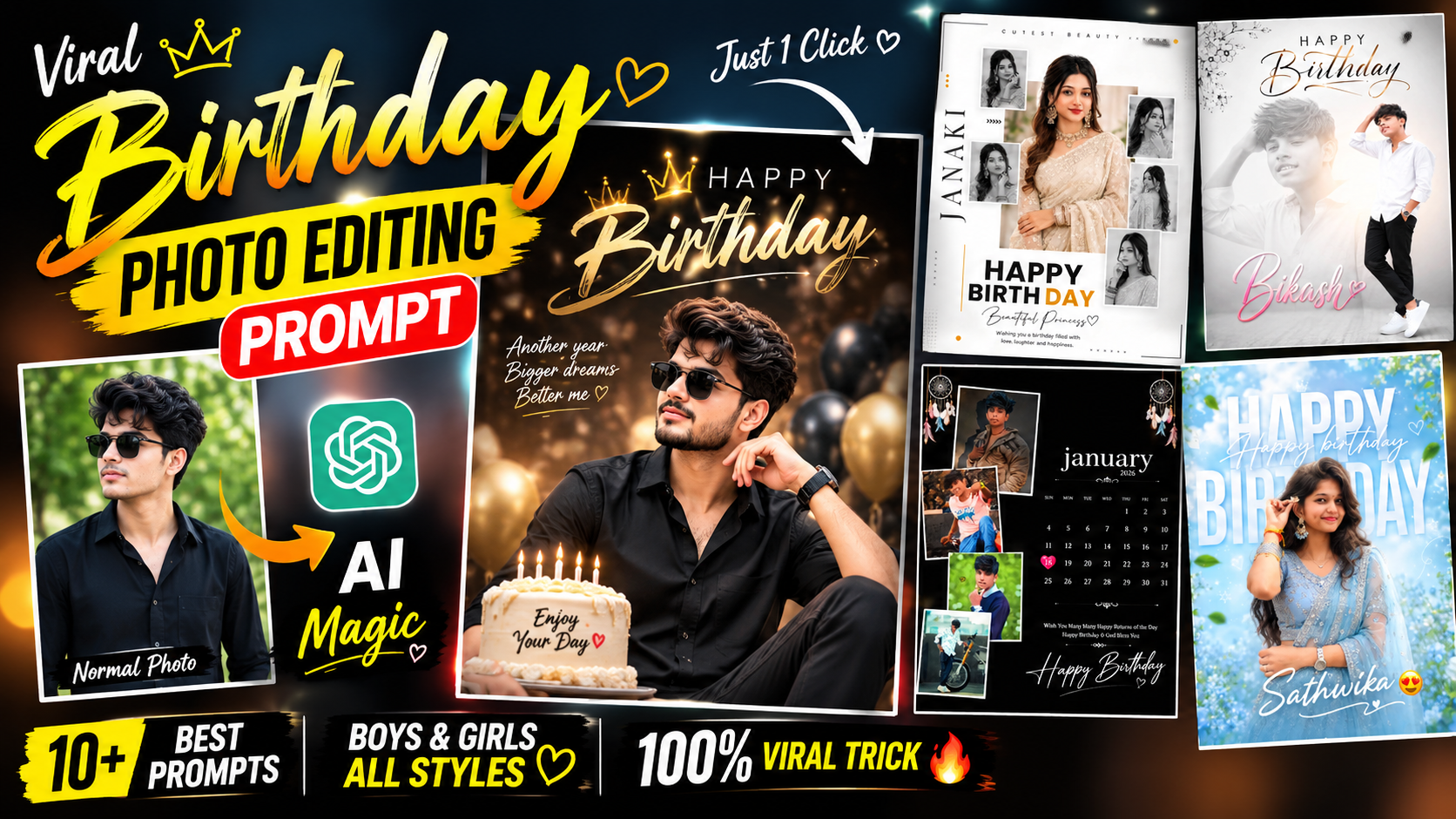
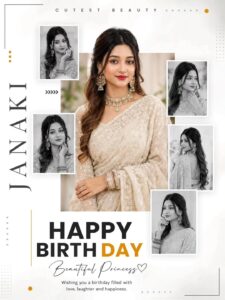
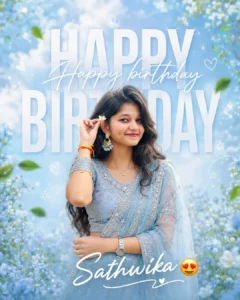
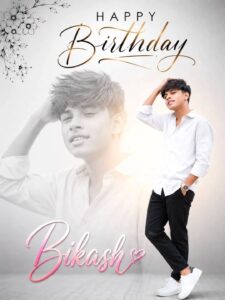
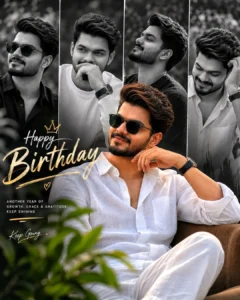
So friends, in today’s article, I am going to give you some special prompts for editing happy birthday photos, which you can use to change any normal photo into a happy birthday one, making it look quite professional and appealing. You can use this for your story or post, which makes your birthday feel much more special and attractive. If you want, you can generate such special birthday pictures for any of your friends or family members on their birthday and share it with them, or even put it on your story status, making them very happy to see that their friend or brother has created such a poster for them. It’s very easy to make, and you can create it in just a few minutes. In a few minutes, the joy of the birthday special invite will double for you. So, how can you create such photos? In today’s article, I will provide you with different prompts for birthday photo editing, which you can use to edit birthday photos by mentioning your birthday date as well. So let’s get started, just read this article carefully.
How to Create Different Styles of Birthday Photos
So friends, if you want to create birthday-themed photo edits, you can generate stylish images here in various ways. By simply using a standard photo whether of a girl, a boy, or a general shot you can transform it into a creative birthday edit. You will see that by using different prompts, you can edit your photos in various styles, poses, and color tones, resulting in visuals that look impressive and attractive. You can share these creations on social media, where they tend to be well-liked and often go viral. In this article, I am going to provide around ten different prompts suitable for both girls and boys that you can use to create these viral-style birthday photo edits.
Why Do We Create Special Birthday Photo Edits?
So friends, you know that birthdays are quite special in our lives because they come around only once a year. To make this day even more special, you can use such special birthday photo editing, which makes it truly unique. Celebrating birthdays in this way expresses your love and feelings in a way that people really appreciate and enjoy, and they are likely to share it as well. Whether it’s your own birthday or a friend’s or a family member’s birthday, you can use any normal photo and convert it into such birthday poster editing that you can share on your social media platforms as a story, post, or mention them directly with a birthday wish message. And with such birthday wishes, your friend or your brother, whoever it is, will create some memorable moments for you because he will remember that yes, my friend did something special for me which feels Special than anything else.
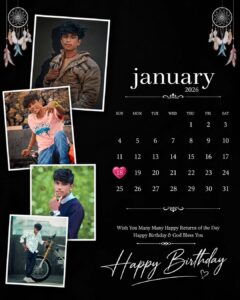
poster in a vertical 4:5 Instagram format (1080×1350 px). Use the 4 uploaded photos as the only identity references. Keep each person’s face, hairstyle, skin tone, expression, clothing, and body proportions exactly unchanged. Do not alter or beautify the faces.
Background: Pure matte black with a clean luxury aesthetic.
Left Side: Arrange the 4 uploaded photos in stylish overlapping white-bordered polaroid frames with soft shadows. Each photo should have different sizes and positions to create a premium collage look.
Top Decoration: Add elegant dreamcatcher artwork on the top corners (or similar minimal boho hanging decoration) in white with subtle colorful accents.
Right Side: Add a clean, modern calendar.
Month: january
Year: 2026
Highlight Date: 18 with a glossy pink heart shape behind the number.
Calendar should have elegant white typography and perfect spacing.
Bottom Text:
Wish You Many Many Happy Returns of the Day Happy Birthday
How To Create Viral Birthday Ai Photo
So friends, let me show you how to create these viral birthday photo edits completely for free and using very simple steps. Just follow the easy steps provided below to create these viral birthday photos with ease.
- So friends, to create such viral birthday photos, first of all you have to copy whichever prompt you like.
- After the prompt is copied, you will see the Create Image button option below, click on it.
- Now you just need to upload any of your normal photos to the app, then paste the prompt and send it. Your image will be generated in a few seconds.
- Now you will see that your message has been generated and it has been generated in your birthday special photo editing, just download it by clicking on download.
- By doing this, you can generate such photos in different styles using different prompts.
What Kind Of Images Will Be Required For This Editing ?
Let me explain what kind of photo you need to provide to create this type of birthday-themed edit. To get started, you need a clear photo taken with either the front or back camera that features a good background and is completely sharp; it should be free of filters or prior edits, ensuring 100% clarity. By using such a photo, the resulting generated image will be perfect, allowing you to transform it into a birthday-themed picture all simply by using a standard photo of yourself.
What Is The Chat GPT
So friends, as you know, ChatGPT is excellent at generating stunning images that look fantastic. AI has also made photo editing incredibly easy; whether you simply describe the changes you want in plain language or provide a specific prompt, ChatGPT generates the desired image for you. It can handle modifications to existing images or even edit them as needed. Beyond that, you can use AI to ask questions, discuss ideas, or gather information on any topic—it serves as a comprehensive, all-in-one application capable of handling a wide range of tasks. Whatever you ask, it provides an answer, making it the best application for photo editing as well.
Conclusion
Today, I have shared some viral birthday photo editing prompts with you—prompts that are currently trending and allow you to transform any picture into a birthday-themed image with a fantastic, professional look. I have provided a variety of prompts here that you can use to generate these kinds of photos. I hope you have understood everything and have successfully created your own special birthday-themed images.